How to Build a Professional Service Website with Next.js

Professional service businesses — lawyers, consultants, architects, healthcare providers, financial advisors, dentists — share a common digital challenge: they need a website that communicates credibility before the prospect is ready to make contact. The site does not need to sell; it needs to qualify. A professional service website with Next.js in 2026 gives practitioners the performance baseline, trust signals, and structural clarity to convert qualified prospects efficiently — without the maintenance overhead that distracts from the actual practice.
What Professional Service Clients Expect Online

Professional service clients perform a specific evaluation when they land on a practitioner's website. They are not primarily asking “what services do you offer?” — they already know. They are asking: Is this person credible? Do they understand my situation? Are they worth contacting? The website answers all three questions through structure, signals, and content — not through clever copywriting or sophisticated design alone.
Credibility signals on professional service websites are different from consumer trust signals. Logos of past clients, press mentions, or follower counts carry little weight. What carries weight: professional credentials displayed prominently, case outcomes described in concrete terms, a clear articulation of the type of client and problem served, and a website that itself demonstrates care and investment. A slow-loading, visually dated website signals that the practitioner does not invest in their own presentation — which is a data point about how they approach client work.
Core Pages Every Service Website Needs

The minimum viable professional service website has four pages: Home, Services, About, and Contact. Each serves a distinct function in the evaluation journey. Home establishes positioning and immediately answers “what do you do and who is it for?” Services provides enough detail to confirm the prospect's situation is within scope. About establishes the practitioner's credentials and often includes the kind of personal signal that determines whether the prospect makes contact. Contact makes the next step frictionless.
Beyond the four core pages, the most valuable additions are a blog or resources section (demonstrates expertise, drives organic traffic, and provides content to share with prospects), a dedicated page per service area (critical for local SEO — a separate page for “estate planning attorney” and “business litigation” outperforms a single services page for both), and testimonials or case studies if professional regulations permit.
Performance and Trust Signals
Page speed is a trust signal in professional services, even when clients do not consciously identify it as such. Research on first impressions in professional contexts shows that users form credibility assessments in the first 50 milliseconds of a page load — before any content is actually readable. A site that appears instantly, with clean typography and clear visual hierarchy in the first viewport, triggers a different credibility response than one where the page assembles itself over two to three seconds. Next.js Static Site Generation makes the first scenario the default; traditional CMS stacks require significant optimization work to approach it.
Choosing the Right Theme for Your Profession

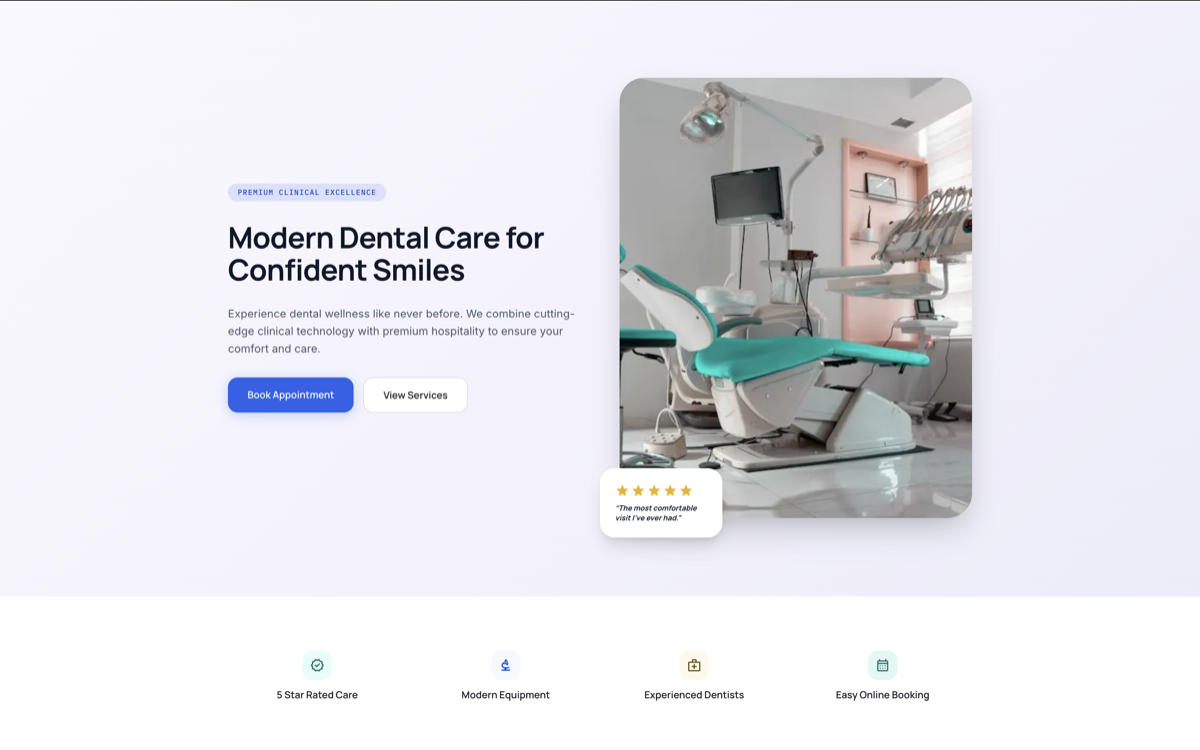
Theme selection for professional services is a positioning decision. The visual language of a theme communicates something about the practitioner before any copy is read. A clean, structure-forward theme like Kinova signals organizational clarity and systems thinking — appropriate for consultants, architects, and financial advisors. A theme with softer typography and imagery-forward layout like Dentra signals care, attention, and a client-focused practice — appropriate for healthcare providers, therapists, and dentists. Choosing a theme that aesthetically mismatches your professional positioning creates cognitive dissonance that visitors sense even when they cannot articulate it.
For professionals in regulated industries, also evaluate the theme's contact and inquiry form structure. A legal or financial services website needs a disclaimer-friendly design and a contact flow that manages expectations about response times and confidentiality. Themes built for generic businesses often do not account for these requirements — themes built specifically for professional service verticals do.
Professional Service Themes
Next.js themes built for professional practices
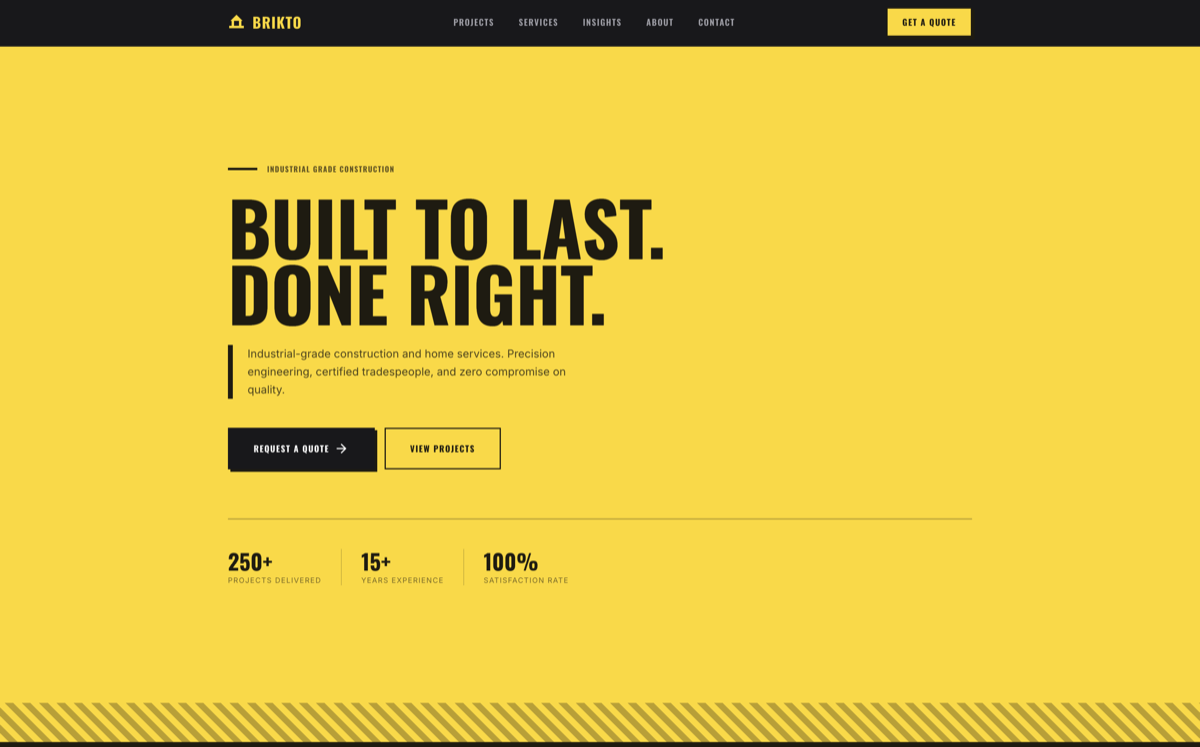
Kinova, Dentra, Movix, and Brikto — each purpose-built for a specific professional service positioning, with the credibility signals, service structure, and contact flows that professional clients expect.
BROWSE ALL THEMESarrow_forward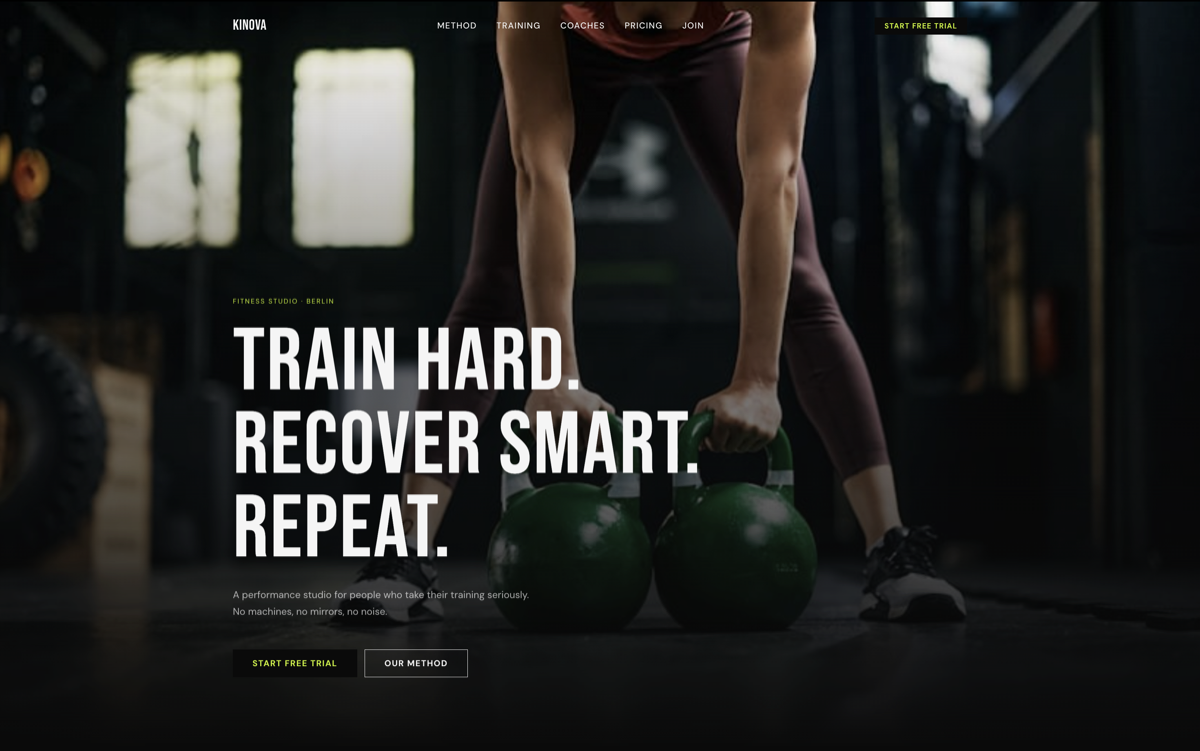

Launching Fast with a Next.js Theme
The practical deployment path for a professional service website on Next.js is straightforward: purchase or download a theme, customize the content and imagery locally, deploy to Vercel with a single command. Vercel's free tier covers traffic volumes appropriate for most professional service websites — a law firm, dental practice, or consulting firm does not need managed infrastructure to run a Next.js site effectively. The entire process from theme purchase to live site is measurable in hours, not weeks.
Content migration from an existing website is typically the longest part of the process. If you are moving from an existing CMS, exporting content to Markdown or JSON and restructuring it into the new theme's content format is the critical path. For practitioners without developer resources, many Next.js theme vendors offer setup services — or the content can be added directly through simple TypeScript file edits that do not require React knowledge to complete.
“A professional service website is not a brochure — it is a qualification system. Every design decision should help the right prospect make contact and help the wrong prospect self-select out.”